Project Proposal: Streamlining Your Business Pitch
There is a distinct moment of panic that hits even the most confident entrepreneur when asked to outline a new venture. You have the idea, the passion, and the grit, but staring at a blank PowerPoint slide often feels paralyzing. The difference between a pitch that secures funding and one that falls flat usually isn't the idea itself, but how clearly you can visualize the roadmap. This is where a structured approach to your presentation becomes your strongest asset. Instead of fumbling with alignment issues and inconsistent fonts, imagine having a professional scaffold ready to support your narrative. A high-quality presentation template acts as that scaffold, turning a chaotic collection of thoughts into a persuasive, commercial story.
The Anatomy of a Persuasive Visual Narrative
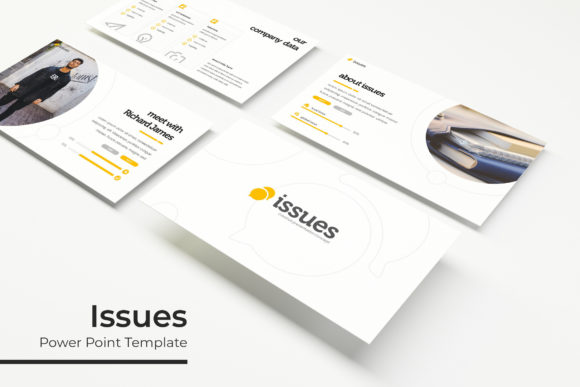
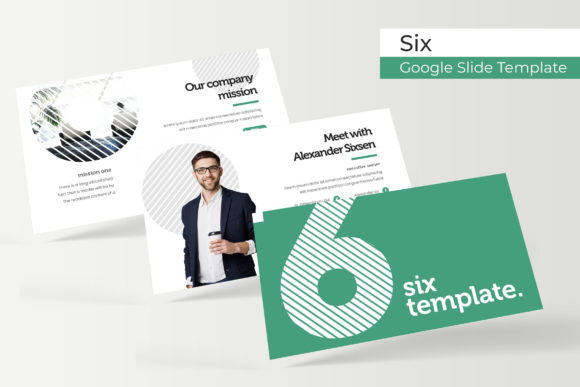
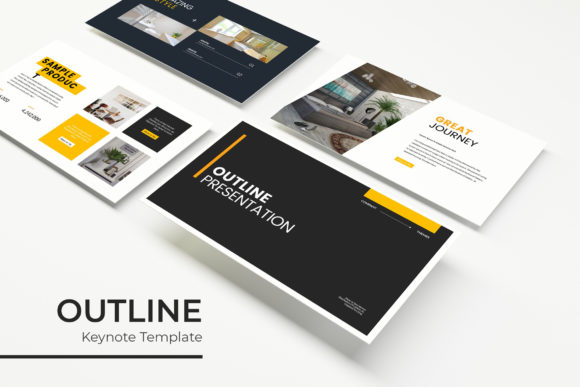
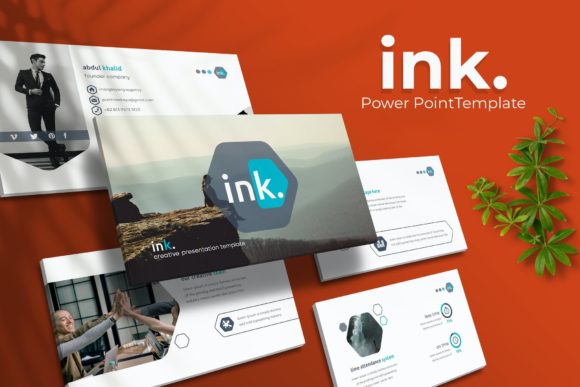
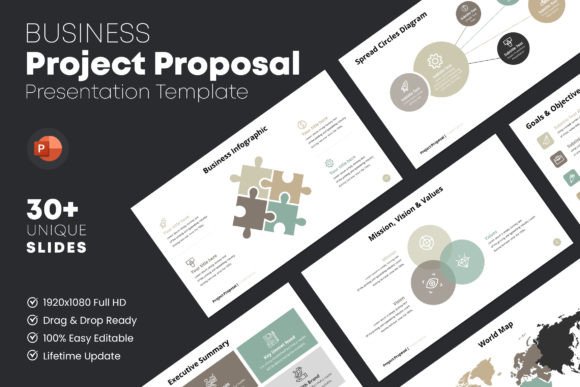
When we talk about a "Project Proposal," we aren't just talking about a slideshow. We are talking about a strategic document that bridges the gap between your vision and your stakeholder's understanding. The template in question is designed with a very clean, creative, and commercial aesthetic. It avoids the distraction of flashy animations—because when you are discussing serious financials or operational timelines, you want the focus on the content, not spinning transitions. It is built on a 16:9 aspect ratio, the standard for modern displays, ensuring your visuals look crisp and professional whether projected on a boardroom screen or viewed on a laptop.
The visual appeal here is rooted in simplicity and structure. It utilizes a "PPTX" format, which is universally accessible, and features a layout that prioritizes alignment. Typography is perfectly balanced, meaning you don't have to worry about text boxes overlapping or margins looking uneven. This attention to detail signals to your audience that you are meticulous and prepared. It includes over 30 unique slides, which gives you the flexibility to tell your story without repeating the same visual layout, keeping the viewer engaged from the introduction to the final handshake.
Visualizing the Financials and Roadmap
One of the most critical components of any business proposal is the data. Dry numbers can be boring, but they are the engine of your pitch. This specific template includes dedicated sections for deadlines, financial income expenditure charts, and detailed budgets. Instead of trying to manually draw a graph in PowerPoint—a task that often results in skewed axes and misaligned labels—you are presented with a structured framework.
Think about the psychological impact of a well-organized budget slide. When you present a summation of anticipated costs and a clear time frame for specific expenditures using a pre-designed chart, it implies that you have done the math. It suggests that this project is based on real-world structure, not just hopeful guessing. The "Drag & Drop Image Placeholder" feature is also vital here; you can easily insert screenshots of your product, photos of your team, or charts from your own data analysis without breaking the slide's design integrity. This functionality allows you to focus on the narrative of the numbers rather than fighting with the software to make them fit.
Practical Applications Beyond the Boardroom
While the primary function of this asset is pitching to investors or clients, the versatility of a high-quality presentation template extends much further. For the creative entrepreneur or small business owner, this slide deck serves as a foundation for multiple types of visual communication.
Consider the needs of a marketing professional launching a new campaign. You can use the timeline slides to map out social media graphics schedules or email marketing blasts. The budget slides can be repurposed to show a client exactly where their retainer is going. For those in product development, the layout is perfect for presenting packaging design concepts or website mockups. Because the template is 100% customizable, the color schemes can be adjusted to match your specific brand identity, ensuring visual consistency across all your materials.
- Internal Strategy: Use the slides to align your internal team on quarterly goals, making complex projects digestible.
- Client Onboarding: Present a clean "About Us" or "Process" deck to new clients to establish professionalism immediately.
- Workshop Materials: Adapt the slides into educational materials for webinars or in-person training sessions.
- Portfolio Showcase: Use the image-heavy layouts to display your design work, photography, or product shots in a high-resolution format.
Typography and Readability in Professional Settings
A frequent oversight in DIY presentations is typography. The choice of typeface dictates the tone of your proposal. This template utilizes free fonts, with links included in the help file, ensuring you don't need to purchase expensive licenses to get the look. The "Perfectly Aligned Typography" feature is not just a buzzword; it is a functional necessity for readability.
When you are presenting complex information, such as a financial income expenditure chart, readability is paramount. If the font is too decorative or too small, your audience will tune out. A professional template guides you toward modern typography choices—typically a balance of a clean sans-serif for body text and a bolder style for headers. This hierarchy helps the viewer scan the information quickly. For the business owner, this means less time explaining what they are looking at and more time discussing the implications of the data.
Efficiency and The "Drag & Drop" Workflow
Time is the most expensive resource for any entrepreneur. Spending hours trying to align text boxes or formatting master slides is a poor return on investment. The "Drag & Drop Image Placeholder" and "Header & Footer Master Layout" features are designed to automate the tedious parts of design.
The "Auto Page Number" feature is a small detail that makes a big difference in maintaining a professional appearance, especially in a document that might be printed and handed out during a meeting. Furthermore, the fact that this is based on a "Real Project Structure" means you aren't starting from scratch. You are essentially following a proven formula for success. You simply plug in your specific details—your unique value proposition, your specific timeline, and your financial projections—into a system that is already optimized for clarity.
Adapting to Various Creative Needs
The beauty of a versatile presentation template lies in its adaptability. While the core function is a business proposal, the slides can be deconstructed for other creative projects. If you are a content creator, you might use the timeline slides to map out an editorial calendar for a blog or a YouTube series. If you are a crafter or hobbyist looking to sell at a market, you could use the "About the Product" slides to create a digital catalog to send to potential stockists.
The aspect ratio and high-resolution pixel count (1920x1080) ensure that whatever you create looks sharp. This is particularly important if you plan to export your slides as images for use on social media or websites. The difference between a pixelated screenshot and a crisp, Full HD slide image can be the difference between a user scrolling past or stopping to engage. By treating your presentation not just as a meeting tool but as a content creation asset, you maximize the value of the download.
Final Thoughts on Professional Presentation
In the end, a project proposal is a tool of persuasion. It is a visual representation of your competence. When you walk into a room—or send an email—with a presentation that is structured, aesthetically pleasing, and easy to navigate, you remove friction from the decision-making process. You allow the viewer to focus on the value of your offer rather than the formatting of your slides.
Whether you are seeking investment, pitching a partnership, or simply organizing your own business strategy, having a reliable template at your disposal changes the game. It transforms the daunting task of "making a deck" into a simple process of filling in the blanks with your brilliant ideas. It’s about working smarter, presenting better, and ultimately, getting the "yes" you are looking for.