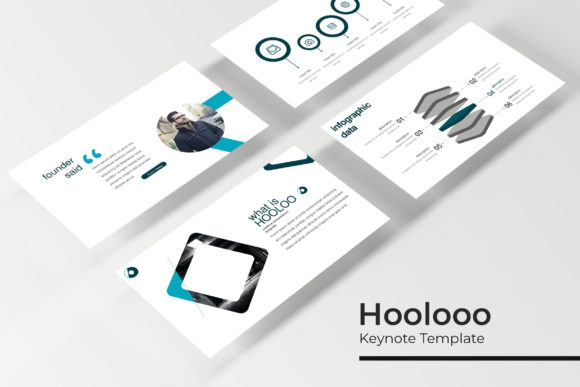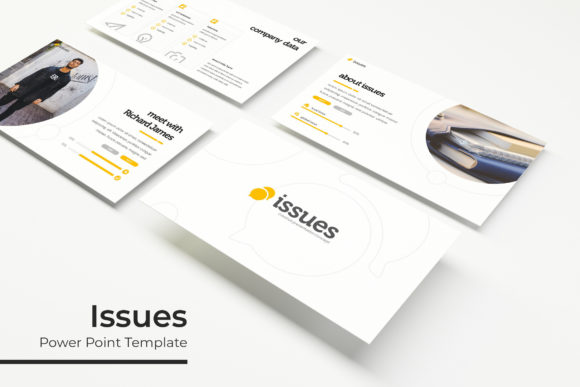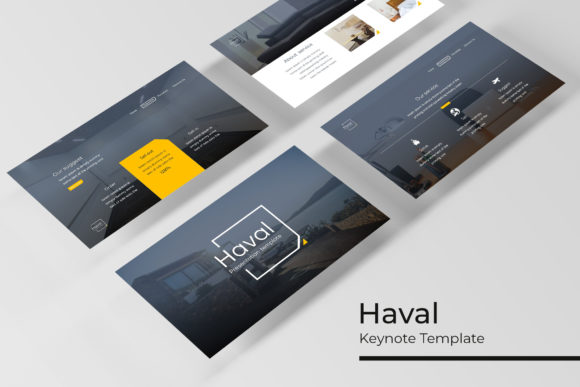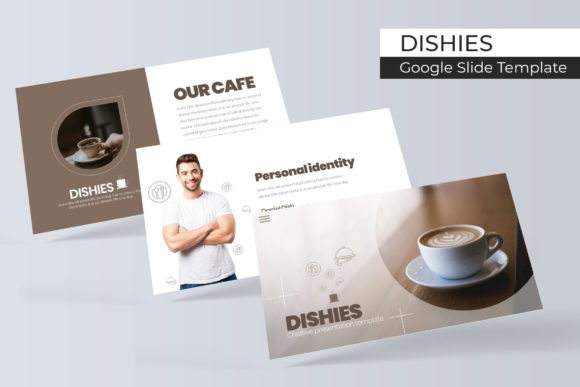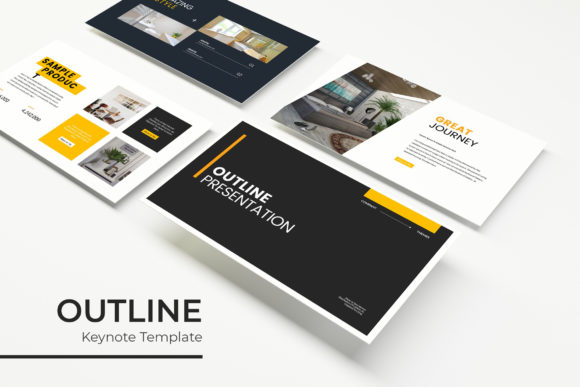
Transform Your Next Pitch with the Outline Keynote Template
You’ve spent weeks refining your strategy, crafting your narrative, and gathering your data. The presentation is the final hurdle, the moment you bring it all together. But staring at a blank slide deck can be paralyzing. Generic templates feel lifeless, and building a professional presentation from scratch steals hours you don’t have. This is where a meticulously designed system changes the game, not just as a time-saver, but as a strategic tool for clear, compelling communication.
The Outline Keynote Template is built for this exact moment. It’s a comprehensive presentation toolkit designed for professionals who need to convey complex ideas with visual clarity and polish. Forget fiddling with alignments or searching for the right icon. This package provides a structured foundation, allowing you to focus entirely on your message while ensuring your visuals are consistently on-brand and engaging.
A Visual System, Not Just a Slide Deck
What truly sets this template apart is its systematic approach. It arrives with 150+ total slides, but they’re organized into five distinct premade color themes. Each color theme contains 30 unique slides, giving you a cohesive visual language from the outset. This structure is invaluable for maintaining brand consistency across different sections of a lengthy presentation or for quickly adapting the deck to different client brands or internal departments.
The design ethos is clean, modern, and professional. The handcrafted infographics are a standout feature, transforming dry statistics and processes into understandable, visually appealing narratives. From timeline graphics to comparison charts and data visualizations, each element is designed to be both beautiful and functional. Section break slides provide a natural pause in your narrative, helping to guide your audience through the presentation’s flow, while dedicated gallery and portfolio slides offer a polished way to showcase work, products, or case studies.
Designed for Real-World Use and Efficiency
A presentation template is only as good as its usability. The Outline template excels here with its drag-and-drop functionality and pixel-perfect illustrations. Every graphic element is based on master slides, ensuring that any change you make—like updating a color or moving a text box—propagates consistently throughout the deck. This master slide architecture is the backbone of efficient editing, saving you from tedious manual adjustments slide by slide.
The picture placeholders are fully resizable and editable. This means you can easily insert your own photographs, product images, or team headshots without worrying about awkward cropping or distortion. The template respects your content, providing clear frames that guide your layout rather than forcing a one-size-fits-all approach. This practical design thinking extends to the included PPTX files for both standard and widescreen formats, ensuring compatibility with various projection setups and screen sizes.
Practical Applications for Brands and Creators
The utility of a robust template like this extends far beyond a standard investor pitch. Consider its application across your professional ecosystem:
- Brand Identity & Marketing: Use it to present brand guidelines, marketing campaign results, or quarterly business reviews. The consistent color themes and typography help reinforce brand recognition.
- Sales and Client Pitches: Craft persuasive sales decks and client proposals that look custom-designed. The portfolio slides are perfect for displaying past successes.
- Internal Communications: Develop engaging training materials, all-hands meeting decks, or project update reports that keep teams aligned and informed.
- Educational and Workshop Content: Structure workshop slides, course modules, or conference talks with clear section breaks and illustrative infographics that aid learning.
- Creative Project Presentations: For designers, photographers, or architects, the gallery slides provide a sophisticated way to present work to clients or in a portfolio review.
Maximizing Impact with Thoughtful Typography
Visual consistency is key to a professional presentation, and the Outline template achieves this by pairing its graphics with a clean typographic system. The fonts used (with free download links included) are selected for their modern readability and versatility. When you open the template, you’ll notice the hierarchy is clear: bold headings for impact, legible body text for details, and accent styles for emphasis.
This is where you can apply practical typographic advice. While the template provides a suggested pairing, you can explore substituting the fonts to better match your brand’s voice. If your brand uses a sans serif font for a clean, modern feel, stick with that. If you have a script font for a logo, use it sparingly for slide titles to add a touch of personality, but ensure body text remains highly readable. Always test your chosen font pairing on a few slides to check for visual harmony and contrast before committing.
Remember, the goal of typography in a presentation is to support your message, not distract from it. Avoid overly decorative display fonts for long paragraphs. Prioritize readability, especially if your presentation will be viewed on screens of varying sizes or in rooms with less-than-ideal lighting. The Outline template’s structure helps by providing ample white space and clear visual separation between text and graphics.
What’s Included and How to Get Started
Your download is organized for immediate productivity. You will receive five PPTX files for standard format and five PPTX files for widescreen format, each corresponding to one of the five premade color themes. A clear “Readme First” file guides you through installation, including the link to download the required free fonts. A critical note to remember: the photographs and pictures used in the preview images are for illustration only and are not included, so you will need to supply your own imagery.
Getting started is straightforward. Choose the color theme that best aligns with your brand or project. Open the corresponding PPTX file in Keynote. The master slides are fully editable, allowing you to change colors, fonts, and layout elements globally. From there, simply replace the placeholder text and images with your own content. The intuitive structure means you can have a polished, professional presentation ready in a fraction of the time it would take to build one from scratch.
In a world where attention spans are short, the clarity and professionalism of your presentation can be the deciding factor. The Outline Keynote Template provides a powerful, flexible framework that empowers you to communicate with confidence, leaving a lasting impression of competence and attention to detail. It’s more than a set of slides; it’s a tool for effective visual storytelling.