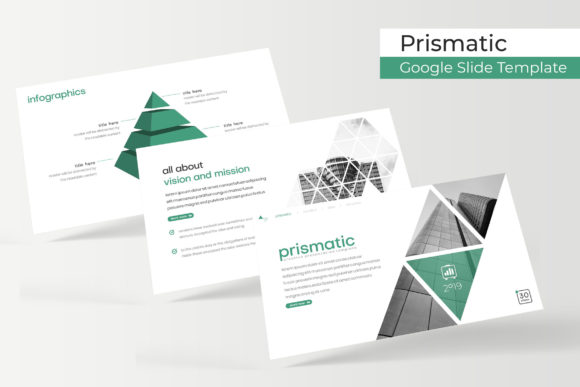
Mastering Visual Narratives with the Prismatic Google Slide Template
Crafting a presentation that truly resonates requires more than just solid information; it demands a visual language that speaks volumes before you even say a word. For professionals, entrepreneurs, and creators, the struggle often lies in bridging the gap between a brilliant idea and a polished, cohesive visual delivery. This is where the right design asset becomes a game-changer. The Prismatic Google Slide Template is engineered to transform your slideshows from mundane data dumps into compelling visual stories, ensuring your audience remains engaged from the first slide to the last.
A Foundation of Flexibility: 150+ Slides and Five Color Palettes
The core strength of this template lies in its sheer volume and thoughtful organization. With over 150 total slides, you are equipped to handle virtually any presentation scenario—from a detailed quarterly business review to a dynamic product launch pitch. The structure is intelligently designed around five premade color themes, each offering 30 meticulously crafted slides. This isn't just about variety; it's about providing immediate, cohesive visual direction. Whether your brand identity leans towards bold and energetic or minimalist and professional, selecting the right color variation sets the tone instantly, saving you hours of manual color adjustment and ensuring visual harmony throughout your deck.
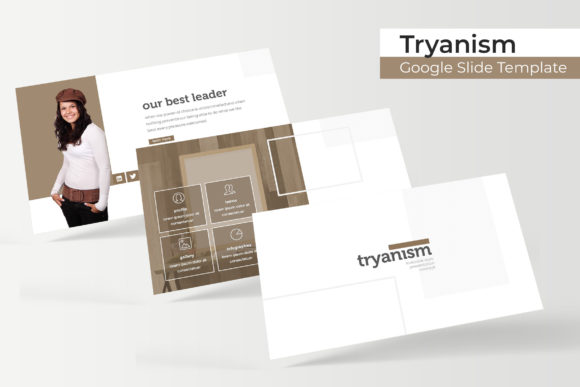
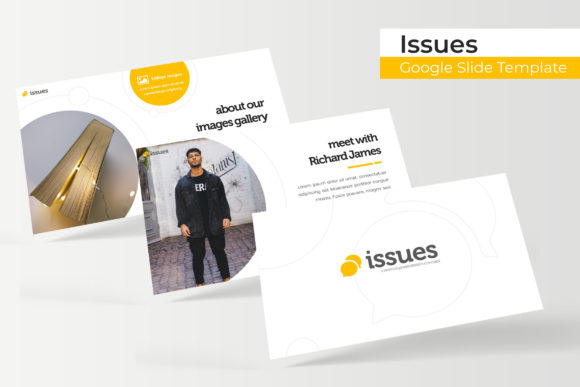
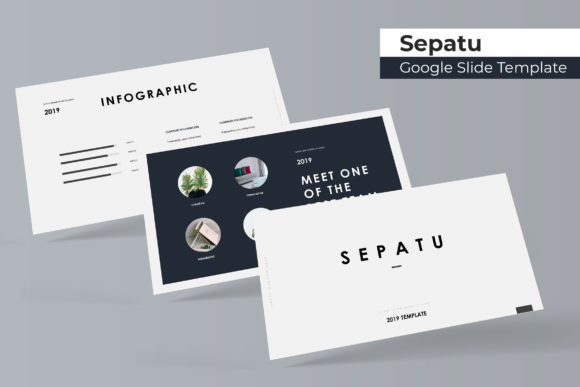
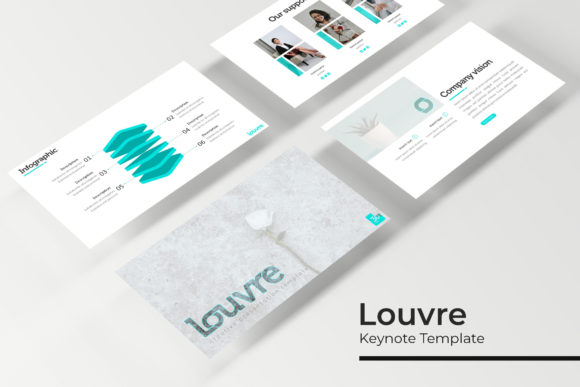
Beyond the color schemes, the template includes handcrafted infographics that turn complex data into digestible, engaging visuals. Section break slides provide clean transitions between topics, while dedicated gallery and portfolio slides offer a perfect stage for showcasing work, case studies, or product imagery. Every element is pixel-perfect, guaranteeing that your presentation looks sharp and professional on any screen, from a laptop to a large conference display.
Streamlining Your Workflow: Practical Design for Real Projects
Time is a critical resource, and the Prismatic template is built to respect it. Based on a master slide architecture, making global changes to fonts, colors, or layouts is a single-click operation. This system ensures that your presentation remains consistent, a cornerstone of strong brand recognition. The drag-and-drop picture placeholder functionality is a particular highlight for content creators and marketers. You can seamlessly integrate your own photographs, team headshots, or product shots without wrestling with alignment tools. The graphics are fully resizable and editable, meaning you can adapt charts, icons, and diagrams to fit your specific data without starting from scratch.
Consider its application across different professional domains. A small business owner can use the gallery slides to present a portfolio to potential clients with stunning clarity. A marketing team can leverage the infographic slides to make quarterly metrics report engaging and understandable. For educators and bloggers, the clean layouts provide a structured way to present information, tutorials, or course content. The template effectively becomes a versatile design asset for creating not just live presentations, but also standalone PDF reports, digital proposals, and social media content derived from your slides.
Beyond the Slideshow: Integrating Visuals into Your Brand Ecosystem
The true power of a premium design template like Prismatic is its ability to reinforce your brand identity across multiple touchpoints. The consistent use of its typography, color palettes, and graphic style in your presentations creates a recognizable visual signature. This same aesthetic can inform your other materials. The clean, modern design language is perfectly suited for crafting professional marketing assets, cohesive social media graphics, or even the visual framework for a website or blog layout. When your presentation, your Instagram feed, and your website all share a common visual DNA, it significantly enhances brand recall and perceived professionalism.
For those involved in packaging design or editorial layouts, the principles embedded in the template—balanced composition, strategic use of white space, and clear typographic hierarchy—serve as excellent inspiration. The included font download link offers another layer of brand customization, allowing you to extend the template's specific look and feel into other projects, from logo design concepts to print materials and merchandise. Always review the commercial licensing for any font to ensure it aligns with your intended use, whether for digital products or physical goods.
Making It Your Own: Practical Tips for Customization
While the template provides a robust starting point, personalization is key to making it truly yours. Begin by aligning the chosen color palette with your existing brand guidelines. If none of the five premade options are a perfect match, use the master slide editor to adjust the theme colors to your exact hex codes. Next, consider your typography. The template includes a specific font pairing; evaluate if it suits your brand voice. You might choose to keep it for a unified look or swap in a complementary premium font that better reflects your personality—perhaps a clean sans-serif for body text and a distinctive serif or script font for headlines.
When adding your content, leverage the section break slides to create a narrative flow. Use the infographic slides not just for data, but to explain processes, timelines, or concepts visually. Test your final presentation in presenter mode to check readability and pacing. The goal is to use the structure as a scaffold for your message, not a constraint. By thoughtfully customizing the placeholders, adjusting layouts to highlight your key points, and ensuring every visual element serves a purpose, you transform a professional template into a powerful communication tool that is uniquely aligned with your goals and audience.