Molongo Keynote Template: A Deep Dive into its 150+ Slide Design System
Creating a presentation that truly captivates an audience goes far beyond just having good information. It’s about visual storytelling, maintaining a cohesive brand identity, and ensuring your message is understood at a glance. For entrepreneurs, marketers, and designers, the process of building a slide deck from scratch can be a significant time sink, often resulting in a look that feels generic or inconsistent. This is where a robust, well-designed template system becomes an invaluable asset, transforming the daunting task of presentation design into a streamlined, creative process.
Beyond a Single Template: Understanding the Molongo System
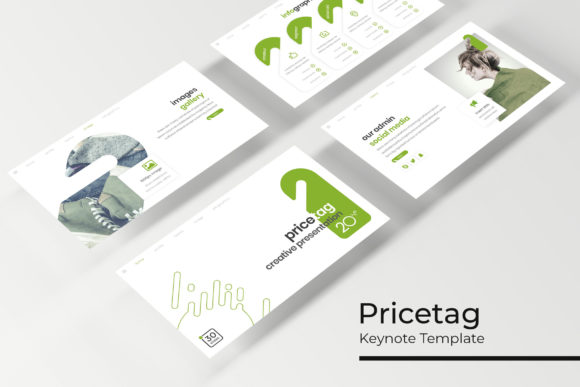
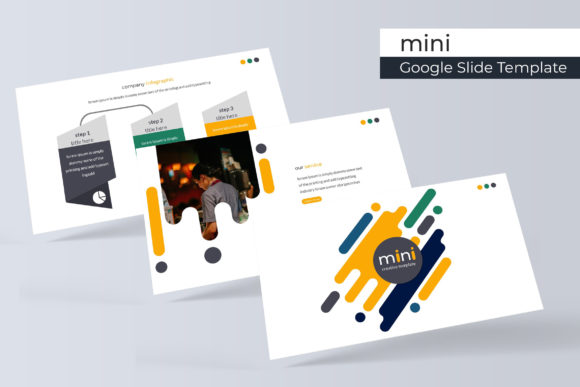
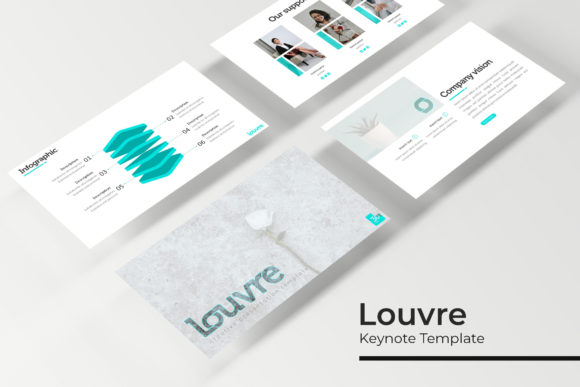
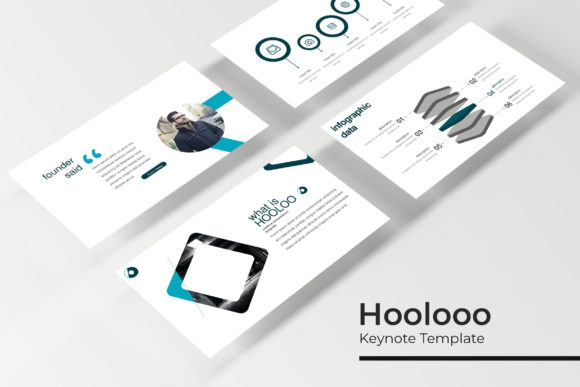
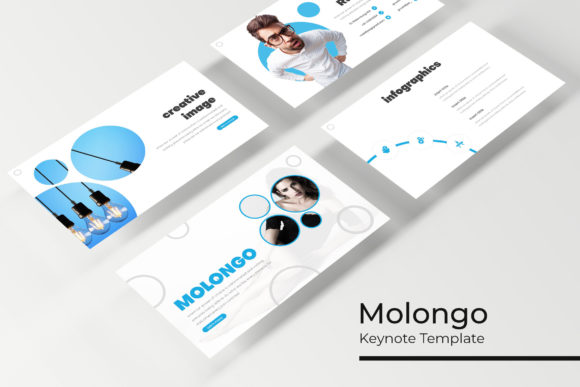
The Molongo Keynote Template is not just one set of slides; it's a comprehensive design toolkit. At its core, it offers over 150 meticulously crafted slides, but its true strength lies in its structure. The package includes five distinct, premade color themes, with 30 unique slide layouts for each theme. This means you're not just getting a palette swap—you're getting five fully realized visual directions to start from. Whether your brand calls for a vibrant, energetic feel or a muted, sophisticated tone, one of the five variations is likely to align with your vision right out of the gate.
This multi-theme approach solves a common problem for small business owners and content creators who manage multiple brands or client projects. Instead of purchasing separate templates for each, the Molongo system provides a foundational library of professional layouts that can be adapted across different visual identities. The inclusion of handcrafted infographics, section break slides, and dedicated gallery and portfolio slides means the template anticipates the real-world needs of a business presentation, from data visualization to showcasing work.
Practical Applications for Creative Professionals and Entrepreneurs
Let's move from features to function. How does a template like this integrate into your workflow? The value is in its versatility across various design and business applications.
For those working on brand identity, the consistent slide master and pixel-perfect illustrations provide a sandbox for presenting brand guidelines, mood boards, and logo explorations to clients. The color variations can be used to mock up how the brand might look in different contexts. Content creators and bloggers can leverage the gallery slides to create compelling media kits, pitching collaboration ideas with a polished, professional look that stands out in an inbox.
The resizable and editable graphic picture placeholders are a game-changer for speed. Imagine needing to update a product shot or a team photo. With a simple drag-and-drop based on the master slides, the image scales perfectly within the pre-designed frame, maintaining the layout's integrity without manual adjustments. This feature is crucial for marketing professionals who need to quickly produce campaign updates or social media graphics derived from the presentation. The same design language used in a keynote can be repurposed for Instagram carousels or LinkedIn posts, ensuring visual consistency across platforms.
For entrepreneurs pitching to investors, the structure provided by section break slides helps guide the narrative of the business story—problem, solution, market, team, ask. The infographic slides allow complex data to be communicated clearly, building credibility. Even for internal use, such as packaging design reviews or editorial layout planning, having a clean, organized template facilitates better team collaboration and decision-making.
Design Integrity and Customization: Making It Your Own
A template's worth is ultimately judged by how easily it can be customized without breaking. The Molongo template is built on master slides, which is the professional standard. This means global changes—like updating a font, adjusting a color accent, or modifying a logo placement—can be done once and will ripple through all 150+ slides. This saves hours of tedious, slide-by-slide editing and prevents the "Frankenstein" effect where different parts of the deck look disconnected.
The mention of a free font download link included in the readme file is a thoughtful detail. Typography is a cornerstone of design, and having the recommended font ensures the template looks exactly as intended upon first opening. However, this is also your starting point. A key piece of practical advice is to test font pairings that align with your specific brand voice. The included font might be perfect, or you may want to pair the display font with a complementary serif or sans-serif for body text to enhance readability and personality. The template's clean structure makes this kind of typographic experimentation safe and straightforward.
Maximizing Your Investment in Design Assets
When you download a premium asset like the Molongo Keynote Template, you're investing in efficiency and professionalism. To get the most out of it, consider these steps:
- Audit Your Needs First: Before diving in, outline the key sections your presentation requires. Use the template's diverse slide library to map these sections, saving time hunting for the right layout later.
- Establish Your Brand Lockup: Immediately customize the master slides with your logo, primary and secondary brand colors, and chosen fonts. This turns the generic template into your proprietary brand asset.
- Leverage the Infographics: Don't just use the infographic slides as-is. Deconstruct them to understand how the visual data communication is built. Use these as a starting point to create custom charts and diagrams that are unique to your data.
- Check the License: As with any design asset, ensure you understand the commercial licensing terms. Typically, templates like this are licensed for both personal and commercial use, allowing you to use them for client work and business projects. Confirming this gives you peace of mind.
In a landscape where visual communication is paramount, having a reliable, adaptable, and professionally designed template system is less about cutting corners and more about working smarter. The Molongo Keynote Template provides a structured yet flexible foundation, allowing you to focus your creative energy on your message and story, rather than on the technicalities of slide construction. It’s a practical tool for anyone looking to elevate their professional presentations with consistency and visual impact.